
CPS Enrollment Checklist & Readiness Calculator
Ensure you have all necessary documents ready before logging into the PowerSchool portal. Check off each item as you gather it.
0%
Documents Collected
Pro Tip
Scan all documents as PDFs before starting the online application. The PowerSchool system may time out if you take too long uploading files one by one.
Enrolling your child in Chesapeake Public Schools (CPS) can feel like navigating a maze if you don't know where to start. You’ve got the house, you’ve got the kids, but do you have the right paperwork? For many parents in this Virginia city, the process is surprisingly straightforward, provided you gather the correct documents before logging into the system. The key isn't just showing up; it's about having your digital and physical ducks in a row so the registration doesn't stall out halfway through.
Whether you are new to the area or moving between neighborhoods within Chesapeake, understanding the specific requirements saves you weeks of back-and-forth emails with the central office. This guide breaks down exactly what you need, how the online portal works, and what to expect when you finally get that welcome packet in the mail.
Key Takeaways for Quick Registration
- Start Online: All standard enrollments begin through the PowerSchool SIS parent portal.
- Residency is King: You must prove you live in the assigned school zone using current utility bills or a lease.
- Vaccinations Must Be Current: Virginia law requires specific immunizations before your child can attend class.
- Birth Certificates Are Mandatory: You need an original or certified copy, not just a hospital souvenir.
- Special Programs Require Extra Steps: Gifted education, ESL, or special needs require separate applications beyond standard enrollment.
Before You Click: Gather These Documents
The biggest mistake parents make is starting the online application without their documents ready. The system will time you out, and you’ll lose your progress. Before you even open the browser, pull together these five critical items. Having them scanned as PDFs makes uploading seamless.
| Document Type | Specific Requirement | Why It’s Needed |
|---|---|---|
| Proof of Residency | Two current utility bills (electric, water, gas) OR a signed lease agreement AND a mortgage statement. | Confirms you live within the attendance zone of the desired school. |
| Student Birth Certificate | Original or state-certified copy. Hospital certificates are often rejected. | Verifies legal name, date of birth, and age eligibility for grade level. |
| Immunization Records | Current vaccination record compliant with Virginia Department of Health standards. | Legal requirement for school attendance in Virginia. |
| Previous School Records | Most recent report card or transcript (if transferring). | Helps teachers place your child at the correct academic level. |
| Custody/Support Docs | Court orders or custody agreements if applicable. | Determines who has educational decision-making authority. |
Notice that we mentioned two utility bills. Why two? Because one might be old or in a spouse’s name. Two recent bills (within the last 60 days) provide irrefutable proof that you actually reside at the address listed on the application. If you’re renting, a lease alone usually isn’t enough; you typically need a secondary form of ID or a notarized affidavit of residence from the landlord if the lease is vague.
Navigating the PowerSchool Portal
Chesapeake Public Schools uses PowerSchool a widely used student information system for managing K-12 education data as its primary platform for enrollment. This isn't just a grade book; it's the gateway to your child's entire educational journey here. When you first visit the CPS website, look for the "New Student Registration" link. Do not confuse this with the "Parent Portal" login if you haven't registered yet. There is a distinct "Create Account" flow for new families.
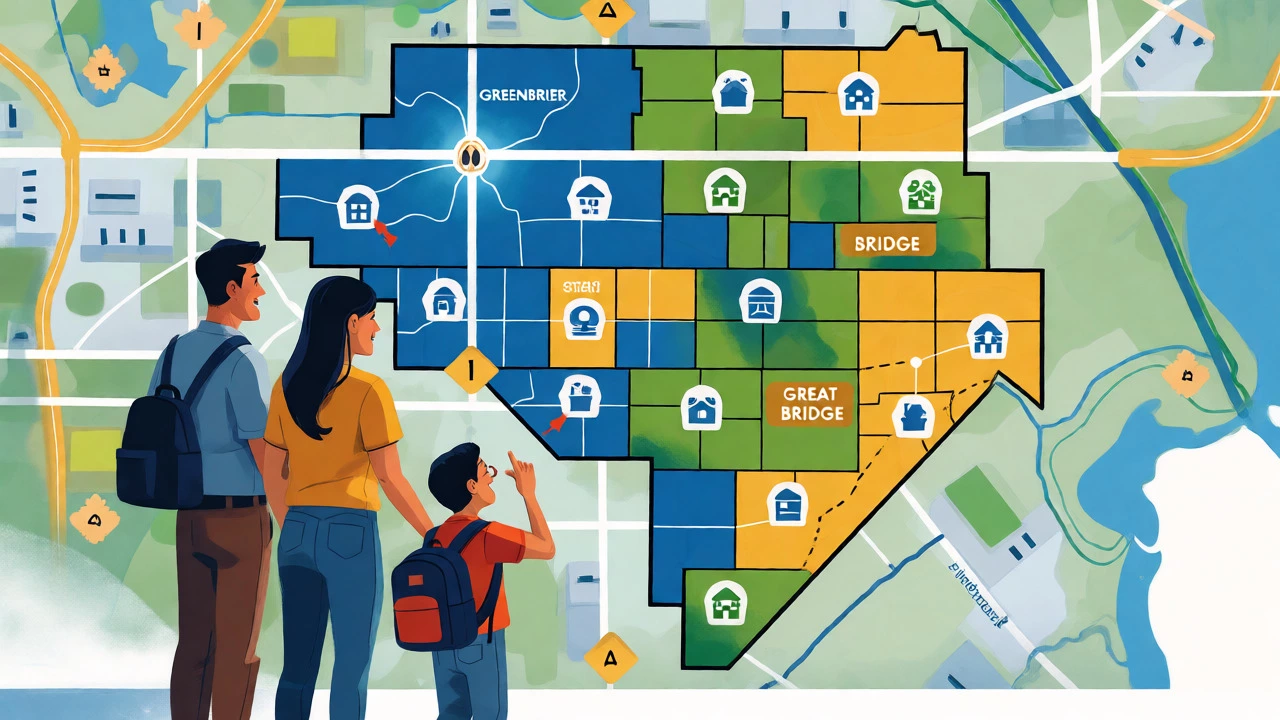
Once you create your account, you'll be asked to select the school. Here is where things get tricky. The system will suggest a school based on your address, but you should verify this against the official boundary map. Sometimes, due to redistricting or capacity issues, your address might technically fall into a different zone than you expect. Don't guess. Check the interactive boundary tool on the CPS district site before finalizing your selection.
As you fill out the forms, pay close attention to emergency contacts. The district requires at least two non-parent emergency contacts. Make sure these people have valid phone numbers and are authorized to pick up your child. If you have shared custody, list both parents as guardians, but clarify who holds primary residential status if there’s any ambiguity in your court documents.
Understanding School Choice and Boundaries
Living in Chesapeake doesn't automatically mean you go to the closest school. While neighborhood schools are the default, the district offers various options. If you're eyeing a specific program-like the International Baccalaureate track at certain high schools or a specialized STEM magnet-you might need to apply separately. Standard enrollment gets you into your home school. Program-specific enrollment requires an additional application window, which often closes months before the school year starts.
If you are trying to enroll outside your zone, you’ll likely face a waitlist. Chesapeake has seen population growth in areas like Greenbrier and Great Bridge, leading to capacity constraints. If your preferred school is full, the registrar may offer you a seat at a nearby school with available space. Accepting this spot doesn't always remove you from the waitlist for your first choice, but policies vary by grade level. Always ask the registrar explicitly: "If I accept this spot, am I still on the waitlist for my preferred school?"
Health Requirements and Physical Exams
Virginia has strict health codes. Your child cannot sit in a classroom until their immunizations are verified. The most common hurdle here is the timing of boosters. If your child’s Tdap booster is due in October, but school starts in August, they can often enroll provisionally, provided you show proof of an upcoming appointment. However, this provisional status expires quickly. Get those shots done early.
Beyond vaccines, dental screenings are required for entry into Kindergarten and Grade 7. These are quick checks performed by school nurses, but you need to consent to them during the online registration. If you opt out, you must provide documentation of a private dental exam. Most parents find the school screening easier and cheaper, so unless you have a specific reason to decline, let the nurse handle it.

What Happens After Submission?
Once you hit submit, your application goes into a queue. It doesn't happen instantly. Typically, the registrar reviews your documents within 3-5 business days. During this time, you might receive emails asking for clarification. Keep an eye on your spam folder. If everything looks good, you’ll receive a confirmation email with next steps.
Next steps usually involve scheduling a meet-and-greet with the teacher or attending an orientation session. For high schoolers, this includes meeting with a guidance counselor to build their schedule. This is crucial. A poorly built schedule can impact graduation timelines. Bring a list of courses your child wants to take, especially if they are interested in AP classes or electives. Counselors are helpful, but they are juggling hundreds of students. Being prepared helps you advocate effectively.
Troubleshooting Common Enrollment Issues
Even with perfect preparation, glitches happen. Here are the most frequent snags and how to fix them.
- Name Mismatches: If your child’s name on the birth certificate differs slightly from the insurance card or previous school records, upload a note explaining the discrepancy. Consistency matters more than perfection, but unexplained differences trigger manual reviews.
- Utility Bill in Spouse’s Name: If only one spouse’s name is on the bill, include a marriage certificate or joint tax return to prove shared residency.
- Missing Vaccination Records: If you moved from another state, request records from your pediatrician immediately. Digital copies from the doctor’s office are accepted, but handwritten notes are not.
- Portal Technical Errors: Clear your browser cache or try a different device. PowerSchool plays best with Chrome and Firefox. Internet Explorer often causes upload failures.
If you are stuck, call the Central Office Registration team. They are generally responsive, but calling during peak times (August) means holding on. Use the email option for non-urgent questions to keep a paper trail.
Frequently Asked Questions
Can I enroll my child if I don't have a fixed address yet?
Yes, but it is more complex. If you are homeless or in temporary housing, the McKinney-Vento Act guarantees your child's right to immediate enrollment. You will need to contact the district's Homeless Education Liaison. You can remain enrolled in your school of origin even if you move out of the zone, provided it is in the child's best interest.
Do I need to re-enroll if I move within Chesapeake?
You do not need to re-enroll from scratch, but you must update your residency information. Log into the PowerSchool Parent Portal and submit a "Change of Address" request. Upload new proof of residency. The district will then determine if you need to switch schools based on the new boundaries.
What if my child's vaccinations are incomplete?
Your child can enroll provisionally if you provide a signed plan from your healthcare provider indicating when the missing shots will be administered. However, if the deadline passes and the shots aren't done, your child may be excluded from school until compliance is met. There are also medical and religious exemptions available, but they require specific forms filed directly with the health department, not just the school.
Is there a fee for public school enrollment?
No, tuition is free for residents of Chesapeake. However, there may be optional fees for activities like sports teams, band instruments, or technology devices. Fee waivers are available for families qualifying for free or reduced-price lunch programs. Ensure you complete the income verification section during registration if you believe you qualify.
How do I register for Pre-K?
Pre-K enrollment often happens earlier than K-12 because spots are limited. Priority is given to children from low-income families, those with disabilities, or English learners. Check the specific Pre-K lottery dates on the CPS website, as they differ from the general school year timeline.